Cloudflare Enterprise
Your whole site served from Cloudflare’s network, set up inside xSpeed Cache.
- Whole-site caching on Cloudflare
- Managed firewall and rate limiting
- No Cloudflare account needed
+$5 / month
billed separately · own license key xSpeed Cache is officially live! Get 50% OFF during Launch Week — Lifetime starts at just $79 Lifetime from $79 — 50% OFF, Launch Week! See Plans →
See Plans →Built by WPDeveloper, trusted by millions of WordPress users
“WordPress is slow. Real performance needs a developer, a rebuild, or another platform.”
WordPress was never slow. It was just missing a performance engineer, and hiring one used to be the hard part.
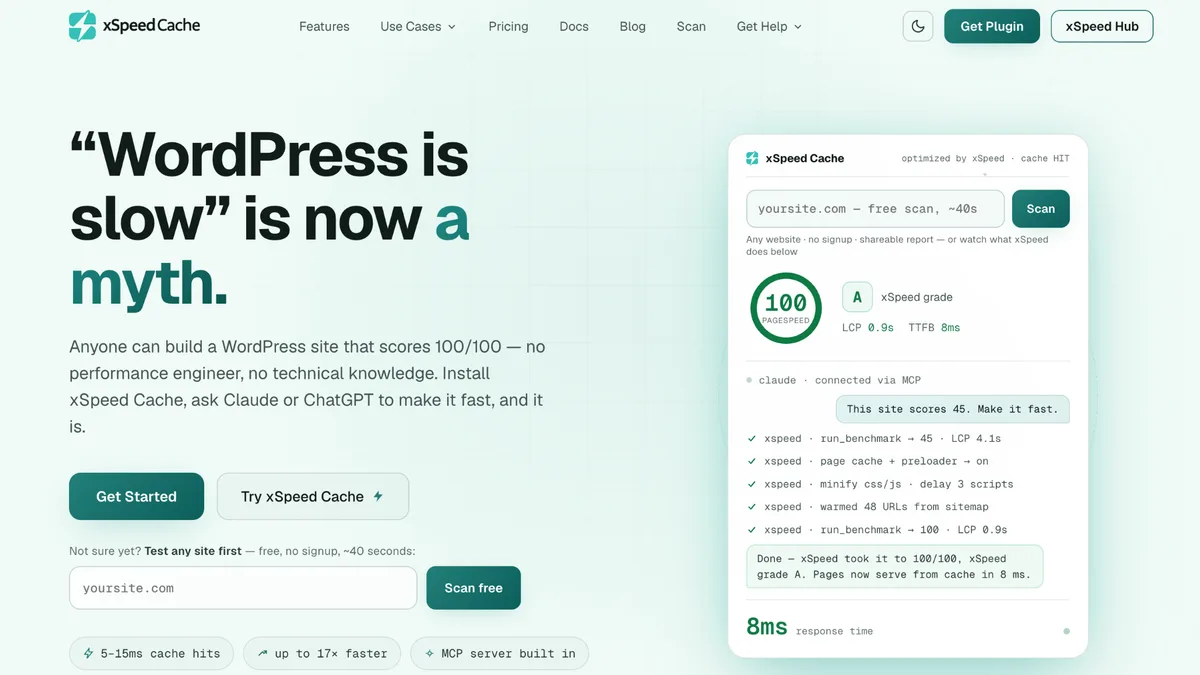
Now your AI is that engineer. Install xSpeed Cache, ask Claude or ChatGPT, and any WordPress site hits 100/100, no technical knowledge required.
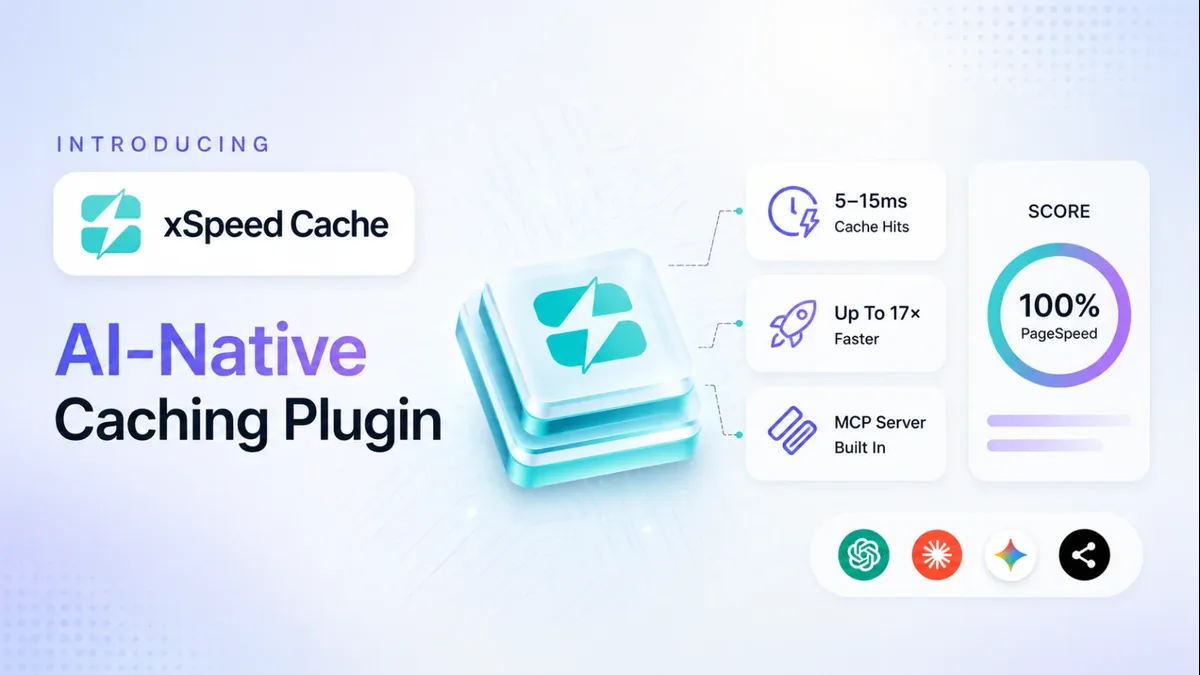
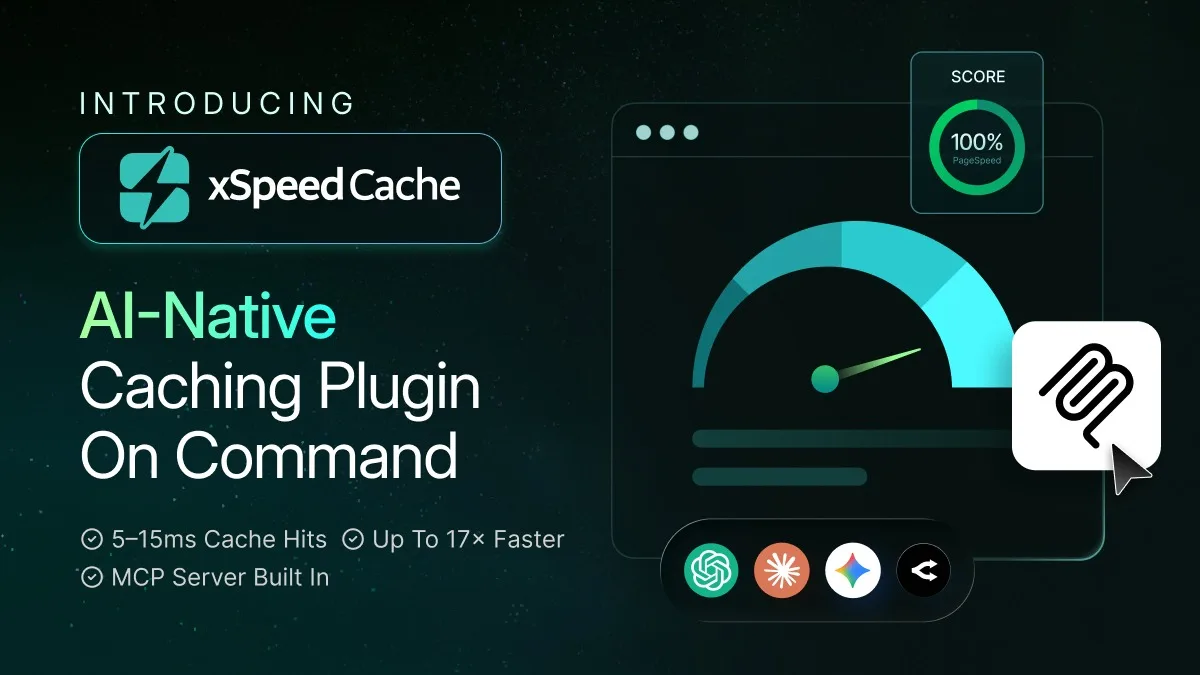
xSpeed Cache is built for the AI era of WordPress. Anyone can install it, connect an MCP client, and have Claude or ChatGPT talk back and forth with the site: benchmarking, tuning, and re-testing until the score reads 100.
One plugin from wordpress.org. The setup wizard gets you to a healthy baseline in minutes. Caching works fully before any AI is involved.
One click from the plugin. Sign in to your free account and link Claude or ChatGPT once at the Hub. Every site you add is instantly reachable.
Your assistant benchmarks, tunes settings, warms the cache, and re-tests: talking back and forth with your sites until the score says 100.
Connect your sites to the Hub and your AI gets one connection that reaches them all. Fleet dashboard, daily monitoring, teams with roles, and scoped credentials. A read-only token stays read-only, everywhere.
Connect your AIEvery xSpeed Cache install speaks MCP at its own URL: the engine the Hub drives, also connectable directly for a single site. Every CLI command is a tool.
How it worksPut your whole site on Cloudflare’s network, set up inside xSpeed Cache: whole-site caching, managed firewall and rate limiting, and no Cloudflare account needed.
See the add-onPages are delivered as static files before PHP starts. No database queries. No plugin chain.
Just bytes on the wire.
with xSpeed Cache static cache
typical PHP-served cache
faster on cache hits
Nine engines, one plugin, zero add-ons to buy. Every one has a guide. Click any card to learn exactly how it works.
Why juggle five plugins when xSpeed Cache does it all, better? Get a complete optimization suite in a single, unified dashboard, no conflicts, no overlap, no mystery slowdowns.
One plugin. One dashboard. Zero conflict.
Your AI assistant optimizes when you ask. The Pro AI layer optimizes when you don't. It watches real traffic around the clock, finds what would make the site faster, applies the fix, and re-tests to prove it worked.
Recommendations engine
Clear, prioritized next-step suggestions, no guesswork.
Learn moreSelf-Healing Cache
Auto-resolves render-blocking resources & plugin conflicts.
Learn moreHit / Miss Heatmap
Per-URL coverage plus your most frequently-missed URLs.
Learn morePerformance Score
A composite score, tracked over time as your site changes.
Learn morewatching traffic · 3 opportunities found
Free is the complete toolkit, forever. Pro is the intelligence layer that runs it for you.
The complete toolkit
Everything in the grid above ships in the free plugin: page, object, and browser caching, minification, GZIP, lazy load, database cleanup, plus the MCP server and xSpeed Hub. Not a trial.
Free vs Pro: what’s includedThe intelligence layer
Pro adds the layer that thinks for you: AI recommendations with one-click fixes, self-healing cache, Critical CSS and unused-CSS removal, WebP/AVIF conversion, and real-user monitoring.
See plans & pricingFounding-customer pricing: 50% off all paid plans for the first 6 months. Launch lifetime pricing. Pay once, never renew. Limited time.
Your whole site served from Cloudflare’s network, set up inside xSpeed Cache.
14-Day Money-Back Guarantee
Full refund within 14 days on all paid plans, no questions.
Need a detailed walkthrough?
Book a free 1:1 call with our performance expert.
Our production WordPress sites run xSpeed Cache. On the showcase, each one links to its public scan report. Open one, then scan your own site the same way.
 98
98  97
97  94
94 Explore the coverage and see how xSpeed Cache is being recognized across the WordPress ecosystem.
Nine things xSpeed Cache gives you in the free plugin, against the eight alternatives you're probably weighing it up with.
| Feature | xSpeed Cache | W3 Total Cache | WP Super Cache | LiteSpeed Cache | WP Rocket | WP Fastest Cache | Hummingbird | NitroPack | FlyingPress |
|---|---|---|---|---|---|---|---|---|---|
| Object caching (Redis or Memcached) | |||||||||
| Import from a competing plugin | |||||||||
| Preload the LCP hero image | |||||||||
| Scheduled cleanup with per-type control | ◐ | ||||||||
| Per-URL hit and miss heatmap | |||||||||
| On-demand PageSpeed or GTmetrix test | |||||||||
| MCP server | |||||||||
| Centralised multi-site dashboard | |||||||||
| Guided setup wizard |
That's nine rows of 80. And the price: from $29/yr vs WP Rocket's $59/yr for a single site.
See the full comparisonStart with the product, or jump straight into a guide on choosing, clearing or testing your cache.
Loading the scheduler…
The scheduler is taking longer than usual. Open it in a new tab ↗